Social media advertising means paying a platform to show content to your chosen audience and measuring results against one business goal. Often called paid social, it works differently from posting to your followers. Platform choice, ad delivery, targeting, budgets and measurement all shape a campaign.
A first campaign has five steps, with a review before you spend more.
What is social media advertising?
Social media advertising means paying a platform to show ads to your chosen audience in feeds, stories and videos. Also called paid social, it suits businesses that need reach or enquiries faster than organic posting can deliver.
You set a goal, an audience and a budget, then the platform runs an auction to decide whose ad appears. You measure the results against that goal.
Paid social is one part of social media marketing, separate from daily account management and creative production. Our social media marketing strategy guide covers organic activity, including goals, content pillars and which accounts to run.
Paid social and paid search reach people with different intentions. A search ad appears because someone typed a query and is already looking. A social ad reaches someone who is scrolling, not shopping, because the platform expects them to be interested.
Search ads suit people who already know what they want. Social ads build demand and remind previous website visitors about your business, so budget for them separately.
Organic, boosted or a full campaign
Organic posts, boosted posts and full campaigns differ mainly in how much control you get over targeting, spend and results.
| Organic post | Boosted post | Full campaign | |
|---|---|---|---|
| Control over the goal | None, you post and see what happens | Limited, usually a few preset goals | Full, you pick the objective and the result to aim for |
| Targeting | Your followers and whoever the feed picks | Simple choices such as location, age and interests | Detailed audiences, including your own customer lists and website visitors |
| Cost control | Free to post, but staff time is the cost | A set budget and a number of days | Daily or lifetime budget, with bids and caps on some platforms |
| Best use | Staying visible to people who already follow you | Giving one good post more reach quickly | Chasing a measurable goal such as enquiries or bookings |
Boosting offers a shortcut, but you still need a strategy. The boosted column describes the usual simplified option; exact controls vary by platform.
When boosting a post is enough
Boosting suits a short, simple job where attention is the result and all these conditions apply:
- One clear post: A single event, offer or new service is worth showing to more people.
- A simple audience: One location and an age range describe your customers.
- Attention counts: More views, reactions or messages are enough, with no website tracking.
- No exclusions or tests: You do not need to keep customers out or compare versions.
- A short run: The post has a natural end, such as a weekend event.
Use a full campaign if any of these conditions do not apply.
When you need Ads Manager
Build a full campaign in the platform's ads manager when you need to measure a specific result.
- A specific objective: You want leads, bookings or sales and must choose the objective yourself.
- Exclusions: You want to keep out people who already bought.
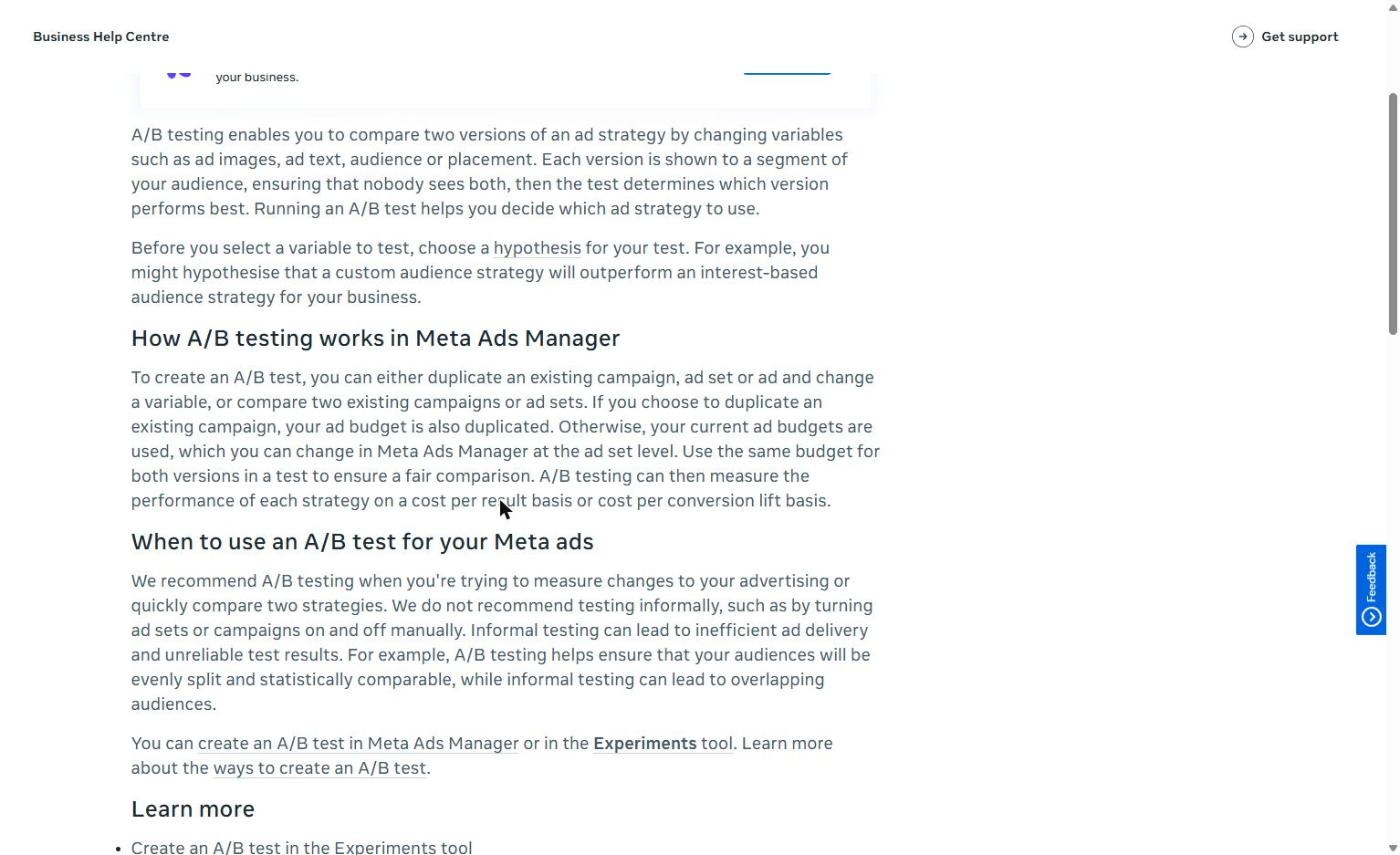
- Tests: You want to compare two audiences or creatives under the same conditions. Meta's A/B testing help page recommends A/B tests over switching ad sets on and off by hand, because informal tests can overlap audiences.
- Conversion tracking: You need the platform to record actions on your website, such as a class booked.
How social media ads work
Setting up an ad involves three levels, followed by an auction that decides whether it appears.
Campaign, ad set and ad
Campaign
Sets one objective, such as traffic or leads, for every ad in the campaign.
Ad set
Sets the audience, budget, schedule and bidding, allowing each ad set to test a different group.
Ad
Contains the creative, meaning the image or video, text and link people see.
Meta's developer documentation describes the same three levels. It places the objective at campaign level, and the budget, schedule, bidding and audience at ad set level. TikTok's budget page calls the middle level an ad group, so the names vary but the logic carries across platforms.
Testing at ad set level lets one campaign compare two audiences under one objective. Change one variable at a time so you can tell what caused the result.
How the ad auction decides who sees your ad
Each time someone could see your ad, the platform runs an auction among advertisers trying to reach that person. Meta's ad auction page says it matches ads with people most likely to be interested. The highest bid does not automatically win; the platform weighs several factors together.
Three inputs matter most, though each platform describes them differently:
- Bid or cost goal: What you are willing to pay for the action you chose.
- Estimated action rate: How likely this person is to take that action. Meta says estimated action rates and ad quality together measure ad relevance.
- Ad quality: Meta assesses low-quality traits such as withheld information, sensational language and engagement bait.
Meta lists five components that help an ad perform well: the right objective, targeting, sufficient budget, enough duration and compelling creative. Other platforms describe the auction differently.
After launch, Meta says an ad moves through three stages.
Delivery
The system shows the ad to people in your audience to learn who is likely to engage.
Optimisation
Over time it narrows delivery to people more likely to respond.
The budget controls the pace of delivery, though TikTok says spending may vary from day to day. Delivery pauses once an ad group reaches its allocated budget. A new ad set needs a few days for the system to learn, so avoid judging it on day one.
Choosing the right objective
The objective tells the platform which action to look for, so pick the one that matches the business result. Meta's ads page, viewed in November 2026, lists six objectives: awareness, traffic, engagement, leads, app promotion and sales. Other platforms use similar groups with different names.
| Objective | Use it when | Main number to watch | Example business |
|---|---|---|---|
| Awareness | People do not know you exist yet | Cost per thousand impressions, reach | A new cafe opening in a suburb |
| Traffic | You want visits to a page | Cost per click, landing page views | A clinic promoting a new service page |
| Engagement | You want messages, video views or reactions | Cost per message or per view | A florist who takes orders by message |
| Leads | You want enquiries or sign-ups | Cost per lead | A tutoring centre collecting trial bookings |
| App promotion | You want installs of your app | Cost per install | A local delivery app |
| Sales | You want purchases | Cost per purchase, return on ad spend | An online homeware store |
If you are unsure, choose the objective most closely tied to revenue. A lead or sale gives the system a stronger signal than a click.
Which platform to advertise on
Compare platforms by business fit, formats, targeting options, billing and the creative you can produce.
The platform recommendations are our judgement. Formats and dated facts come from each platform's own pages, viewed in November 2026 unless stated. The cost section lists minimum budgets.
Meta (Facebook and Instagram)
Meta runs ads across Facebook, Instagram, Messenger and its partner network from one tool, Ads Manager.
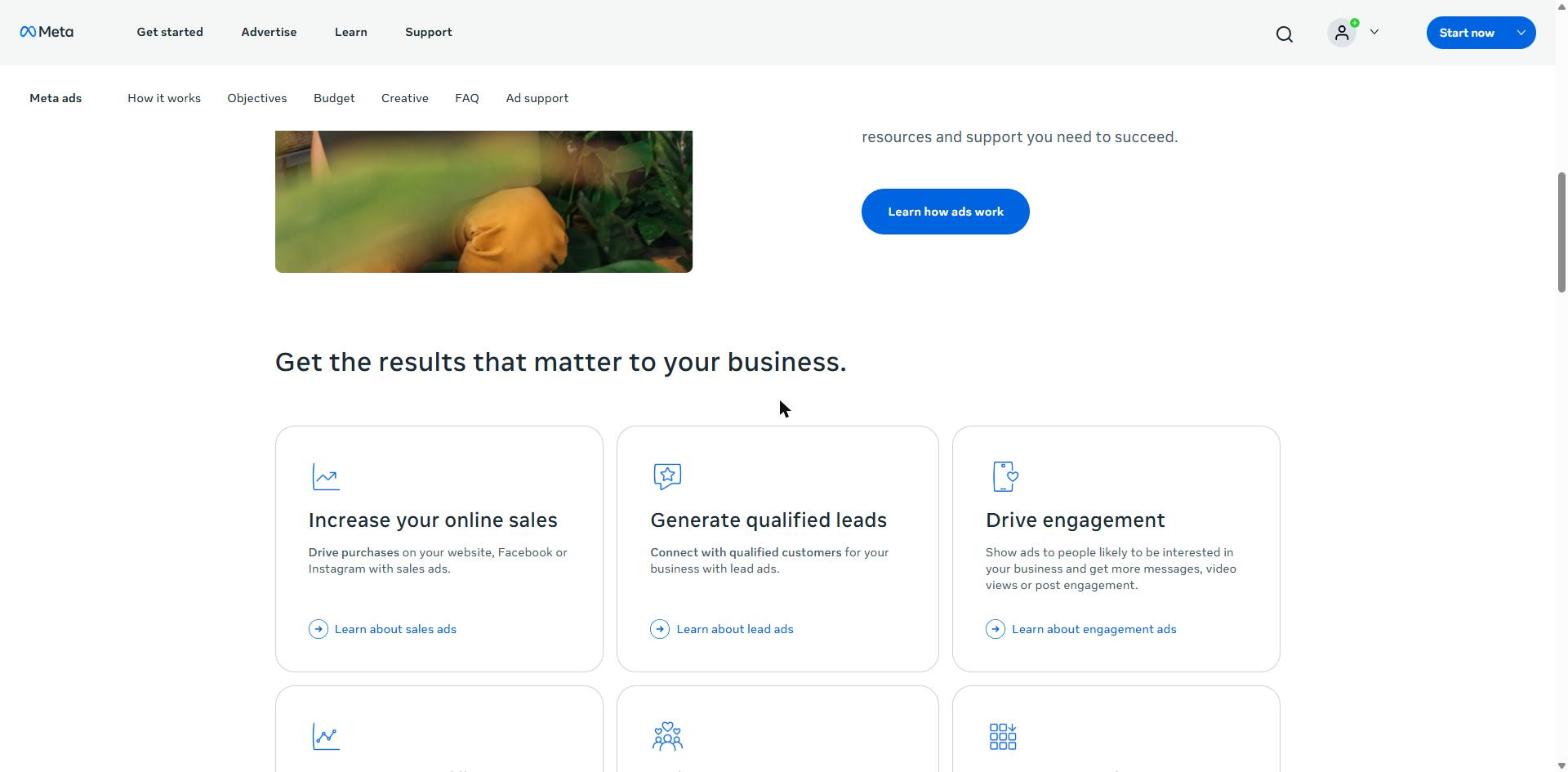
- Best fit: Local and consumer businesses that want broad reach with detailed targeting, such as a studio, clinic or cafe.
- Formats: Photo, video and slideshow ads, shown in feeds, Stories and Reels.
- Targeting: Age, gender, location and interests, plus audiences built from your own customer data.
- Budget and billing: Meta publishes no minimum budget, so a small test is possible. The cost section has the detail.
- Creative idea: The ads page cited earlier advises vertical formats, videos under 15 seconds and a hook in the first 3 seconds.
LinkedIn ads reach people through their professional profile data.
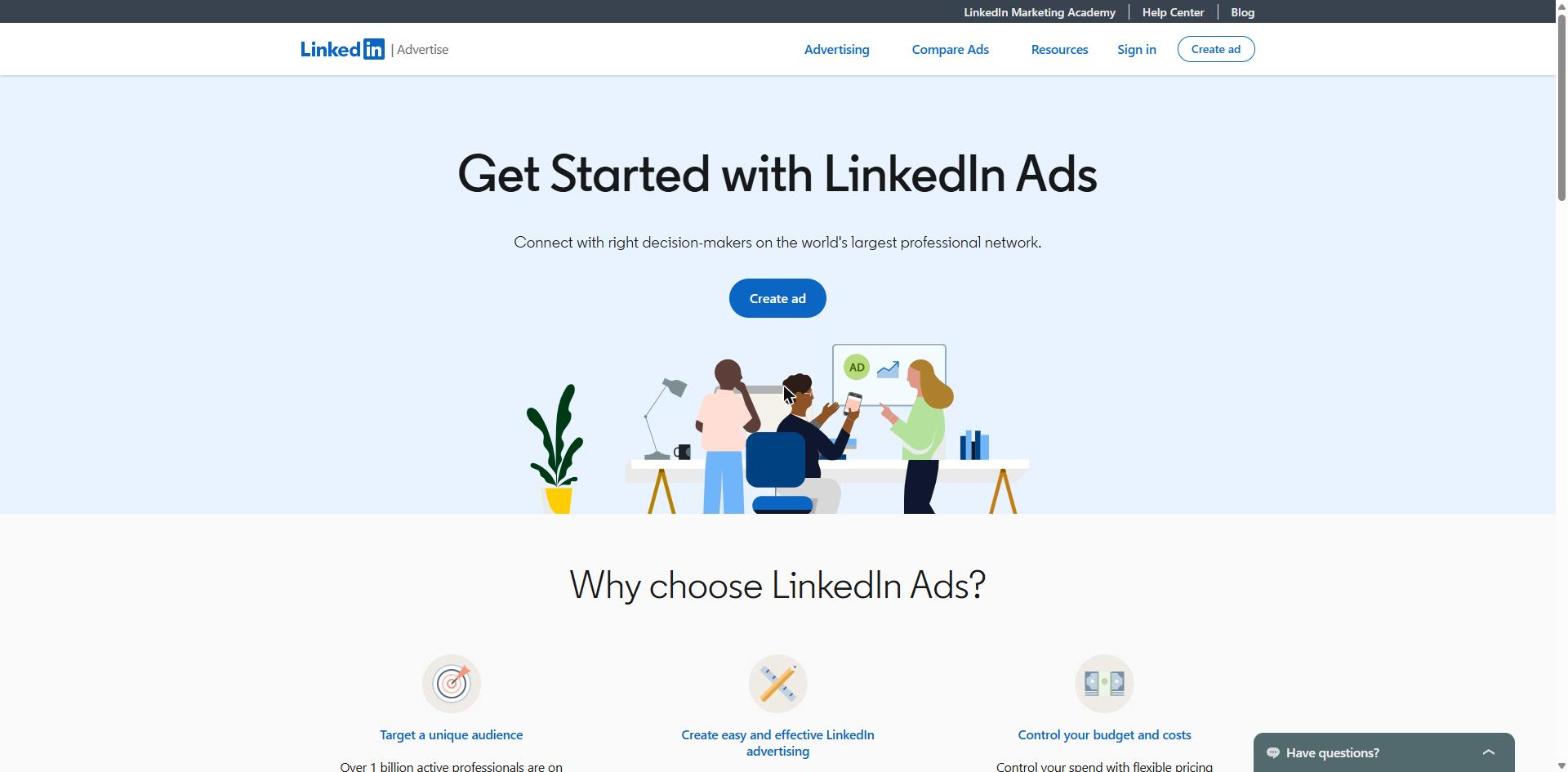
- Best fit: B2B businesses that need to reach job titles, industries or named companies.
- Formats: Sponsored Content, Sponsored Messaging, Dynamic Ads and Text Ads.
- Targeting: On its ad targeting page, LinkedIn lists job title, company name, industry, and professional or personal interests. It also offers matched audiences built from website, contact and account data.
- Budget and billing: LinkedIn publishes a daily and a lifetime minimum, listed in the cost section.
- Creative idea: Name one role and one problem in the first line, then give one proof point you can back up.
TikTok
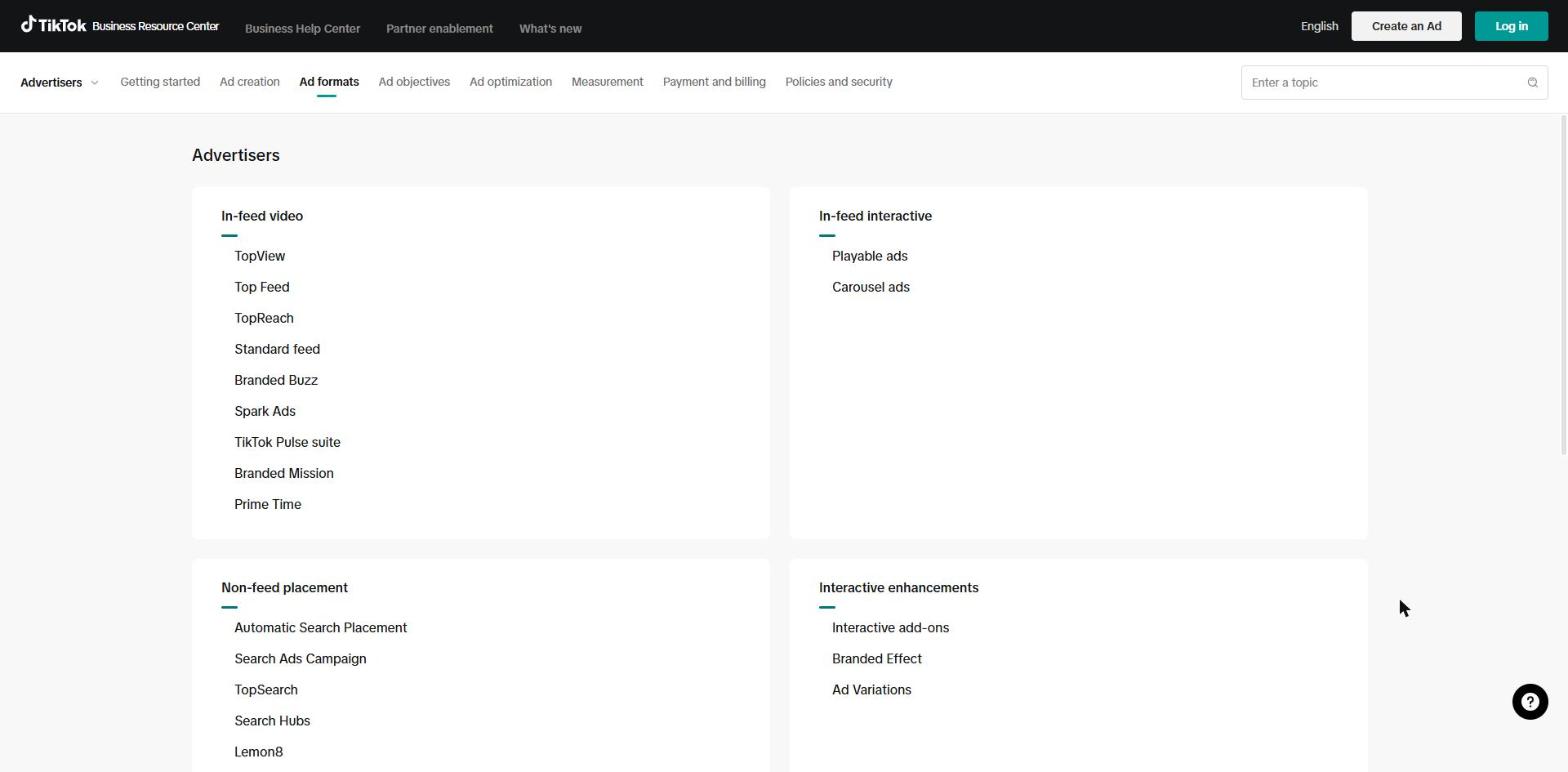
TikTok ads appear as full-screen video between the videos people watch.
- Best fit: Brands that can produce short, native-looking video regularly.
- Formats: Video ads.
- Targeting: TikTok for Business lists demographics, interests, behaviours and devices, with Custom Audiences and Lookalike Audiences for advanced users.
- Budget and billing: TikTok's budget help page, updated July 2026, says you cannot switch between daily and lifetime budget once a campaign or ad group is live.
- Creative idea: Use a person's voice rather than a studio style, and show the result in the first seconds.
YouTube
YouTube ads are bought through Google Ads and run before, during or beside video.
- Best fit: Businesses with video that explains a product or builds trust before a purchase.
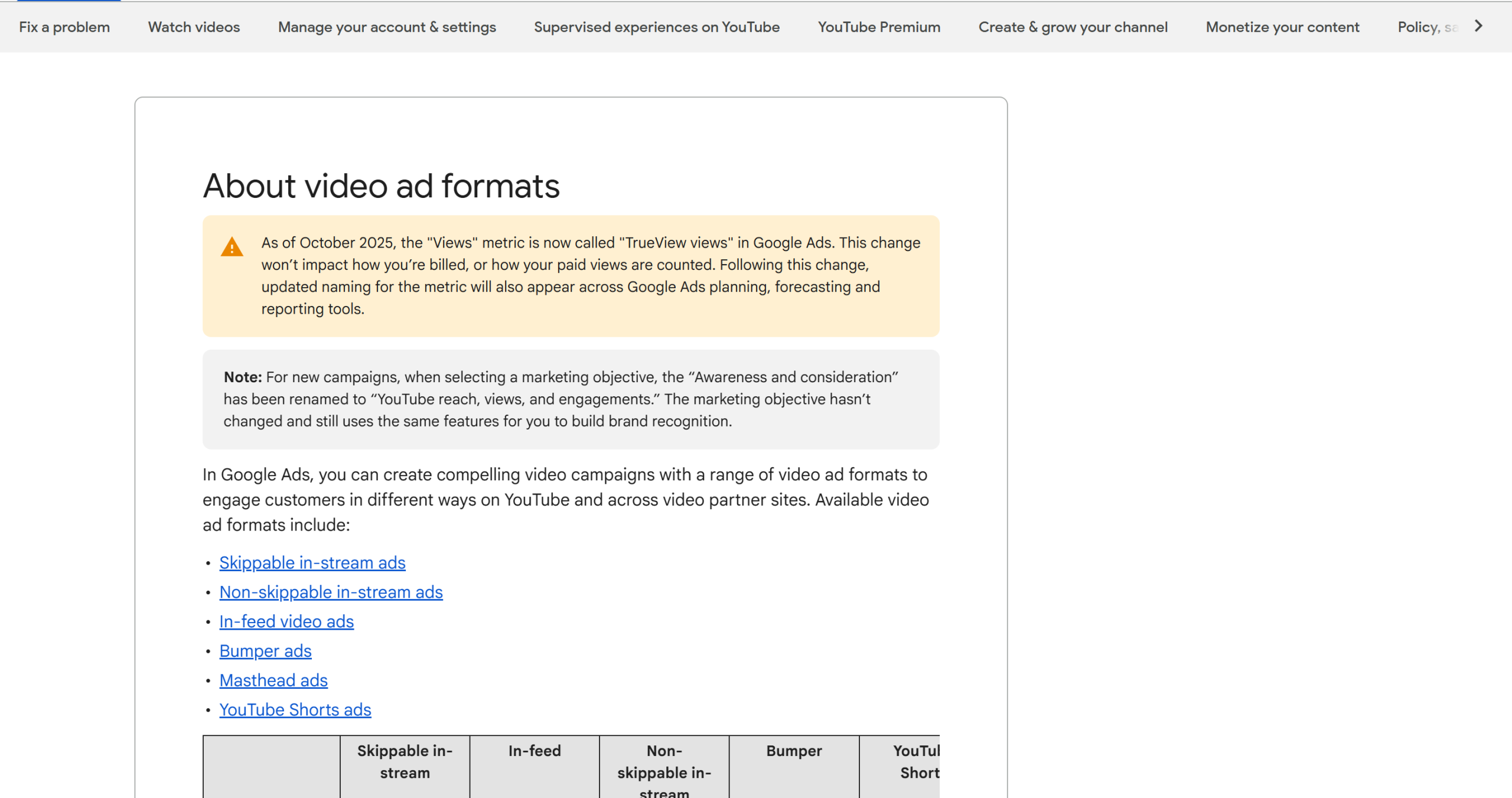
- Formats: Skippable and non-skippable in-stream, in-feed, bumper, Shorts and Masthead.
- Budget and billing: Google's YouTube ad formats page explains cost-per-view bidding for skippable in-stream ads. You pay when a viewer watches 30 seconds or interacts. It also says "Views" became "TrueView views" from October 2025, without changing billing.
- Creative idea: Put the main message before the five-second skip point.
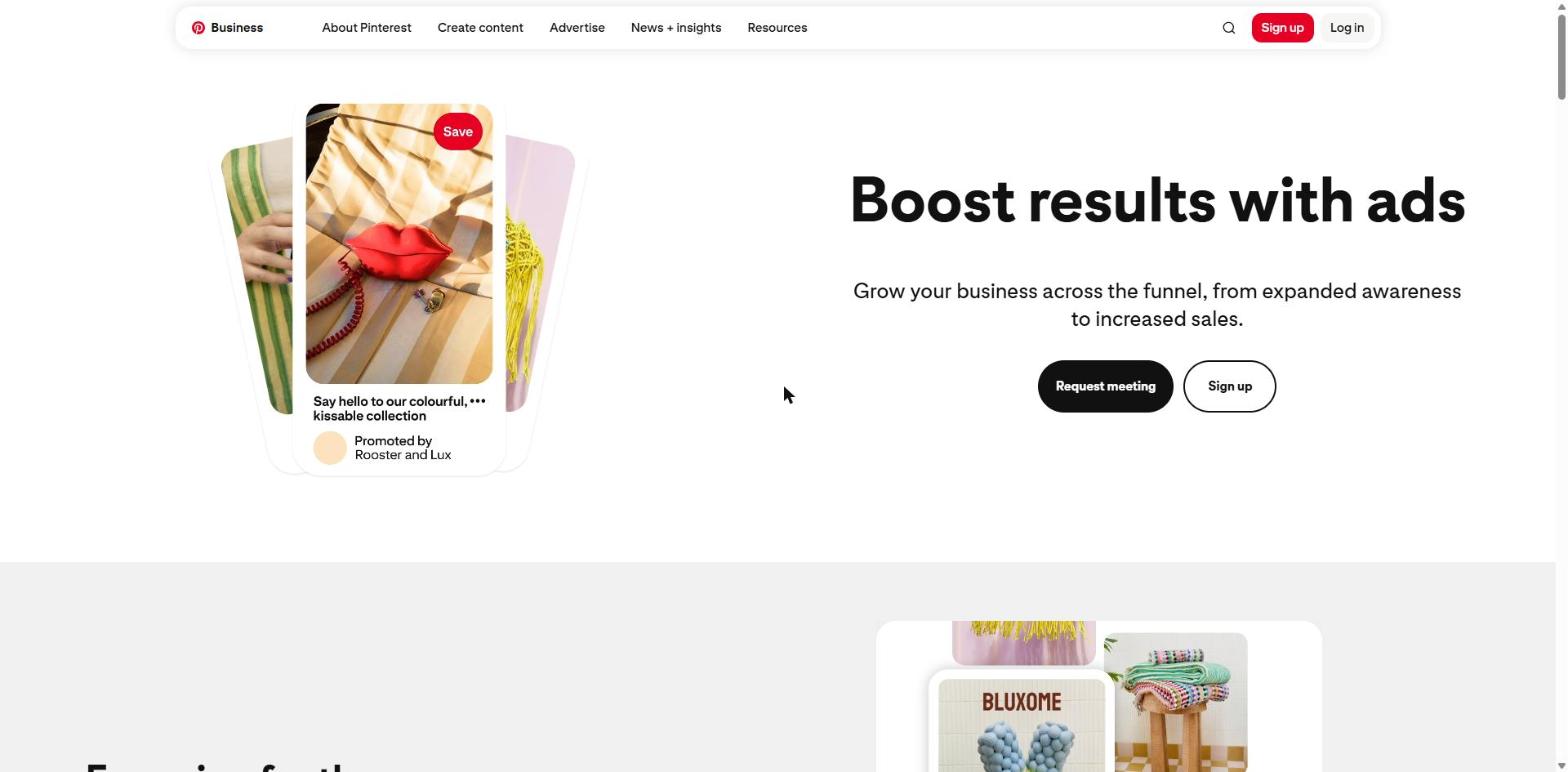
Pinterest ads reach people who are searching and saving ideas, often before they buy.
- Best fit: Visual products and projects, such as home, food, fashion and events.
- Formats: Image, video, carousel, collections, idea, quiz, showcase and premiere spotlight.
- Targeting: Pinterest's advertising page lists keywords and interests, and says you can upload customer lists for retargeting.
- Budget and billing: For awareness campaigns the same page says you can bid by impression or by video view.
- Creative idea: Show the finished result, such as a styled room or a plated dish, in a clear vertical image.
X
X ads promote posts and accounts to people who follow or search topics on the platform.
- Best fit: Topical, news-driven or event-driven messages that suit short text.
- Formats: Not confirmed here, because X's help pages did not open for us in November 2026.
- Official fact: None used. Check the current objectives and formats inside X Ads Manager before you plan a test.
Which platform to start with
Choose one platform first, based on where your customers already spend time. One platform with a clear goal teaches you more than five with thin budgets.
- Local consumer business: Start with Meta, for location and interest targeting.
- B2B business: Start with LinkedIn, for job title, company and industry targeting.
- Younger audience or strong video: Start with TikTok or YouTube.
- Visual product or project: Start with Pinterest.
Add a second platform only after the first has produced a result you can count.
Targeting the right audience
Start with what you know about your customers, then use platform tools to widen or narrow the audience.
Core, custom and lookalike audiences
The three main audience types suit different amounts of customer knowledge and data.
| Audience | Built from | Use it when | Watch out for |
|---|---|---|---|
| Core | Location, age, gender, interests and behaviours you choose | You have no customer data yet, or you want new people | Broad interests such as travel or sport reach people who will not respond |
| Custom | Your own data, such as a customer list or website visitors | You want to retarget people who already know you | Privacy rules, because you need the right to use that data |
| Lookalike | New people who resemble a custom audience | You have a good list of your best customers | A weak or mixed source list produces a weak lookalike |
Start with a core audience if you have no data. Add a custom audience as soon as your tracking has collected visitors or you hold a clean customer list. Build a lookalike from your best customers, not from everyone who ever clicked.
Worked example: targeting for a local pilates studio
This hypothetical example makes no claim about results. A pilates studio wants more trial-class bookings and plans three ad sets under one lead campaign.
| Ad set | Audience source | Estimated size | Exclusions | Message | Track |
|---|---|---|---|---|---|
| A: Retargeting | People who visited the studio's website in the last 30 days | Check the estimate in Ads Manager | Current members and anyone who already booked | Still thinking? Book a trial class | Cost per trial booking, frequency |
| B: Lookalike | A lookalike built from the current member list | Check the estimate in Ads Manager | Current members and the retargeting audience | What your first class is like | Cost per trial booking, click-through rate |
| C: Core | People within 5 km of the studio, aged 25 to 54 (an assumption), with specific interests such as pilates and wellness | Check the estimate in Ads Manager | Current members and website visitors | Pilates a short walk from home | Cost per thousand impressions, cost per trial booking |
Keep the ad sets separate because each audience knows the studio to a different degree. Website visitors need a reminder, while a cold audience within a 5 km radius needs an introduction. Merging them lets cheaper bookings from familiar visitors hide the higher cost of bookings from strangers.
Exclusions stop the ad sets competing for the same people.
Merge ad sets only when an audience is too small for delivery or each set produces too few results to compare. Meta's ads page says most ads perform best with an audience of 2 million to 10 million. A smaller or larger audience may suit your region and interests.
A 5 km radius may fall below that range, so watch delivery in the first days and widen the radius if it stalls.
How to target a specific age group
Age is an ad set setting, and it works best alongside location and interests.
- Set the range: Choose the youngest and oldest ages, using your customer list to see the real spread.
- Add location: Pin the area where those people live, study or work, such as a radius around a campus.
- Add specific interests: Pair age with topics that group cares about.
- Match the creative: Use words, images and an offer that suit that group.
- Check platform rules: Read each platform's advertising policies for younger audiences.
Age alone does not identify students: An audience aged 18 to 24 near a campus includes students and non-students. Test two audiences in separate ad sets and keep the one with the lower cost per result.
Audience research now that Audience Insights has moved on
Facebook's older Audience Insights tool is no longer the main audience research tool, so avoid building your plan around it. These sources work with any current tool:
- Your customer list: Note suburbs, products bought and how long people stayed.
- Page and Instagram insights: Open them in Meta Business Suite to see who follows and engages with you.
- Website analytics: In GA4, look at where visitors live and which pages they read, where data is available.
- A short survey: Ask five recent customers how they found you and what they compared you with.
- Your front-line team: Ask who rings, who books and which questions come up before a sale.
Record each audience idea in a spreadsheet, then watch how the estimated size changes as you add or remove filters.
From our work
Targeting choices affect results, as our education marketing case study shows across two campaigns. An HKU MBA recruitment event campaign recorded 452,584 impressions and 7,571 link clicks. A Chinese language centre in Bac Ninh saw reach rise 42%, engagement 32.4% and inbox messages 150%, with 80% qualified leads.
The same page also shows a lean click-to-Messenger campaign for Lê Gia Chinese. This seasonal Meta ads campaign averaged 50,000 VND per Messenger conversation, and 80% of chats left a phone number.
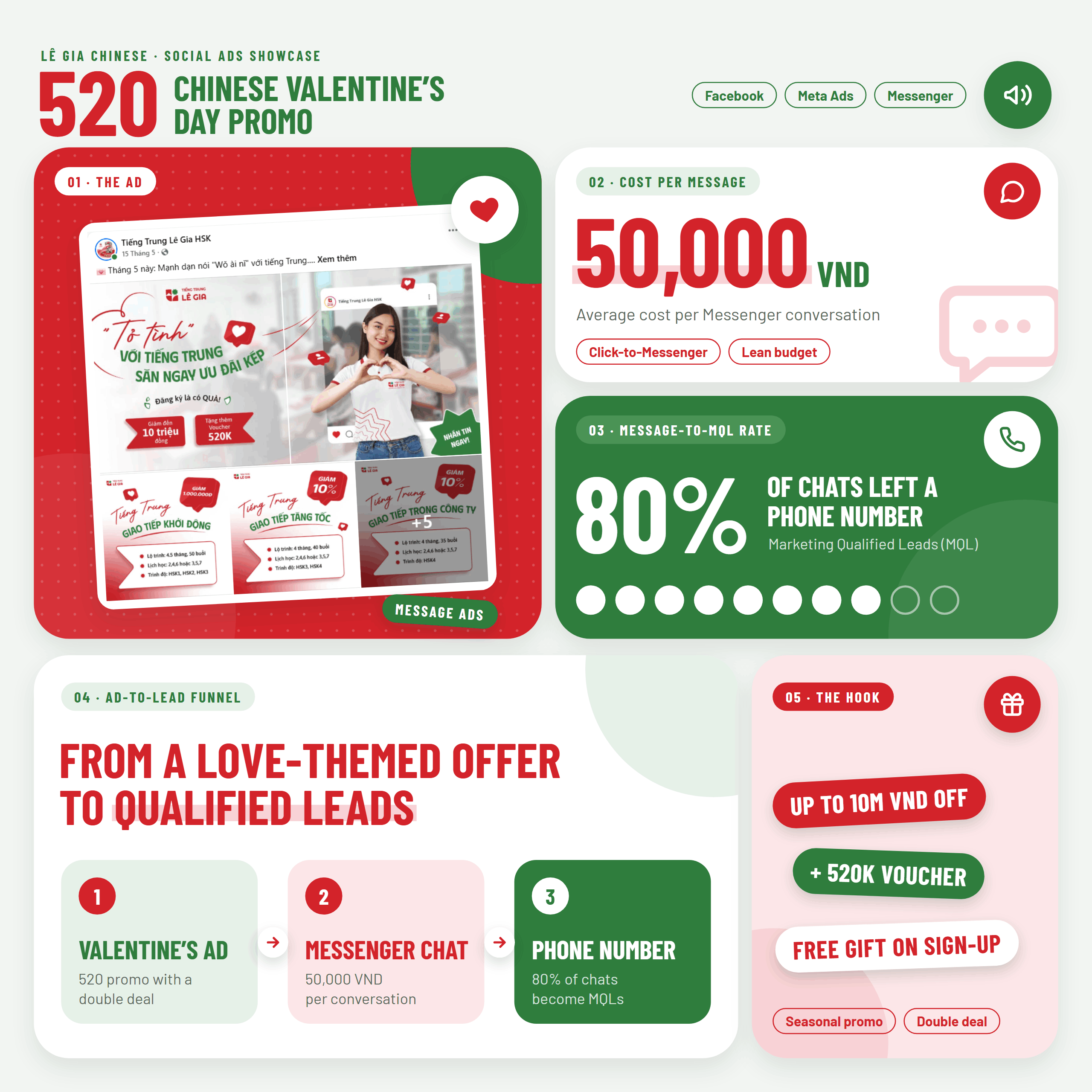
These named projects provide examples, not benchmarks for your business. The page does not publish targeting settings or budgets, so we make no claims about them.
How much social media ads cost
Your budget sets your social media ad spend, while the pricing model determines what that money buys.
Pricing models: CPM, CPC and cost per result
| Model | What you pay for | When it fits |
|---|---|---|
| CPM (cost per thousand impressions) | Every thousand times your ad is shown | Awareness, when reach matters more than clicks |
| CPC (cost per click) | Each click on your ad | Traffic to a page, when you want visits |
| Cost per result | Each action you chose as the goal, such as a lead or a booking | Enquiries and sales, when you can track the action |
Watch cost per result to see what your spending produced; CPM and CPC measure the cost of attention. We omit average CPM and CPC figures because they vary by country, industry and season. Third-party averages are rarely dated or comparable.
Minimum budgets by platform
Published platform minimums set the lowest budget for a test. The amounts below are in US dollars, as published, so check the figure in your own account.
| Platform | Published minimum | Source date |
|---|---|---|
| Meta | No minimum budget. Run ads for at least 7 days | Viewed November 2026 |
| $10 daily budget. $100 lifetime budget for a new campaign | Viewed November 2026 | |
| TikTok | Campaign budget above $50. Ad group daily budget above $20 | Updated July 2026 |
| YouTube, Pinterest | Not stated on the pages cited above | Viewed November 2026 |
| X | Not confirmed, because its help pages did not open | Not available |
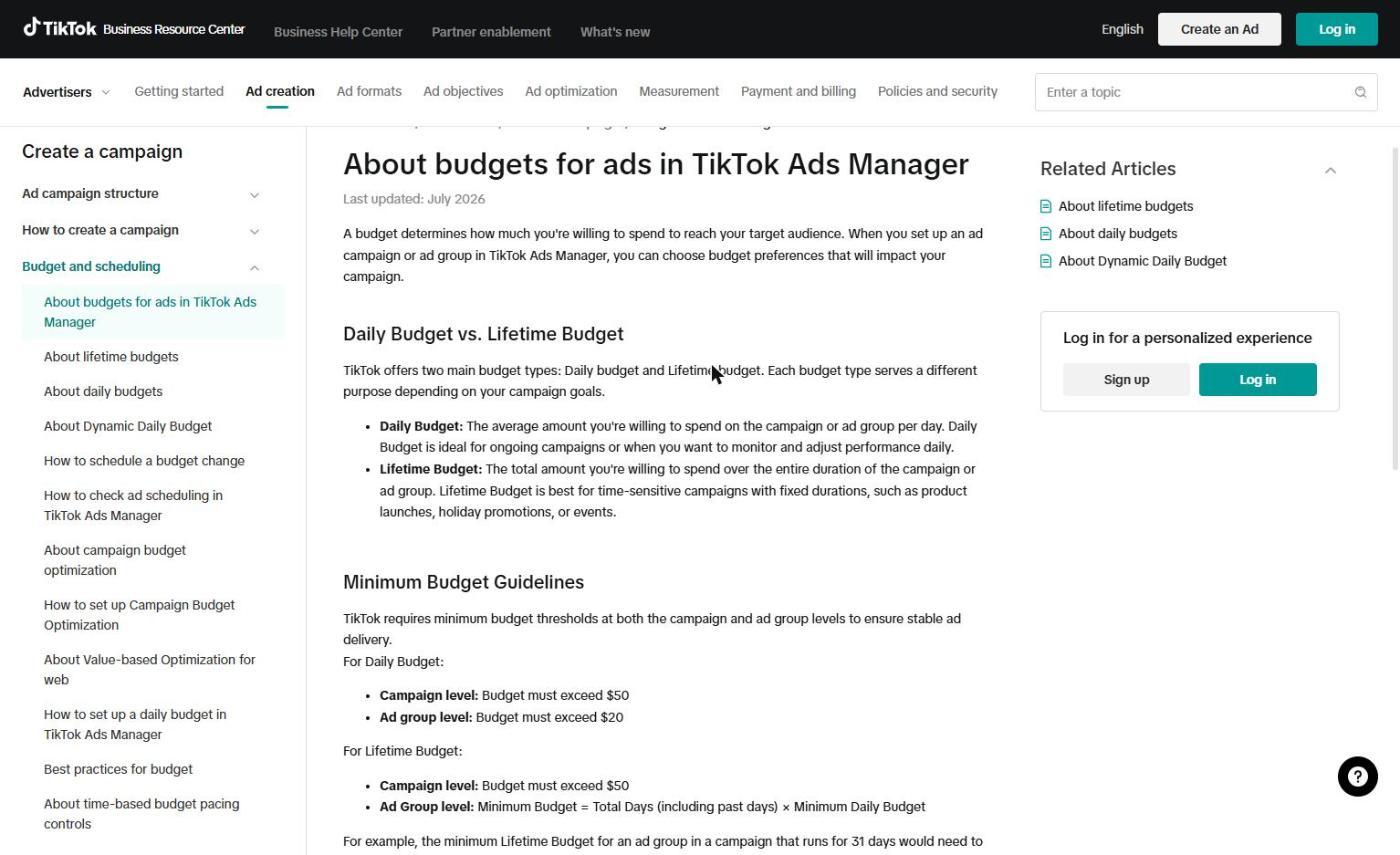
LinkedIn's budget guidance says the lifetime minimum falls to $10 times the scheduled days once a campaign launches. A 14-day campaign therefore needs at least $140. TikTok requires an ad group lifetime budget to cover the days times the daily minimum; a 14-day run needs at least $20 × 14 = $280.
How to calculate your ad budget
Work backwards from the result you want.
- Budget = target results × target cost per result
- Clicks = budget ÷ cost per click
- Leads = clicks × landing page conversion rate
- Impressions = budget ÷ cost per thousand impressions × 1,000
Every input below is an assumption for a hypothetical pilates studio, not a benchmark. Replace each assumption after your first campaign; a lead here means a trial-class booking.
| Line | Formula | Worked figures (assumed inputs) |
|---|---|---|
| Target results | Assumption | 14 trial bookings |
| Target cost per result | Assumption | A$50 |
| Budget | 14 × A$50 | A$700 |
| Cost per click | Assumption | A$2.50 |
| Clicks | A$700 ÷ A$2.50 | 280 clicks |
| Landing page conversion rate | Assumption | 5% |
| Leads | 280 × 5% | 14 bookings |
| Cost per thousand impressions | Assumption | A$14 |
| Impressions | A$700 ÷ A$14 × 1,000 | 50,000 impressions |
| Implied click-through rate | 280 ÷ 50,000 | 0.56% |
Use the last line to check whether your assumptions hold. If your early click-through rate differs widely, an assumption is wrong. Impressions count views rather than people, so reach will be lower than 50,000.

Get the paid social budget calculator
Enter your details and we will send the calculator to your inbox.
Break-even cost per lead
Break-even cost per lead is the most you can pay for a lead without losing money. The formula is average profit per customer × close rate. Use profit after direct costs, rather than revenue.
For the same hypothetical studio, assume a new member brings A$300 in profit and 20% of trial bookings become members. Break-even cost per lead is A$300 × 20% = A$60. The A$50 target leaves A$10 of room on each lead.
The same assumptions give 14 leads × 20% = 2.8 new members, worth about A$840 in profit against A$700 of spend. Fourteen leads is a small sample, so the 20% close rate remains a guess until the studio's records confirm it.
Daily versus lifetime budget
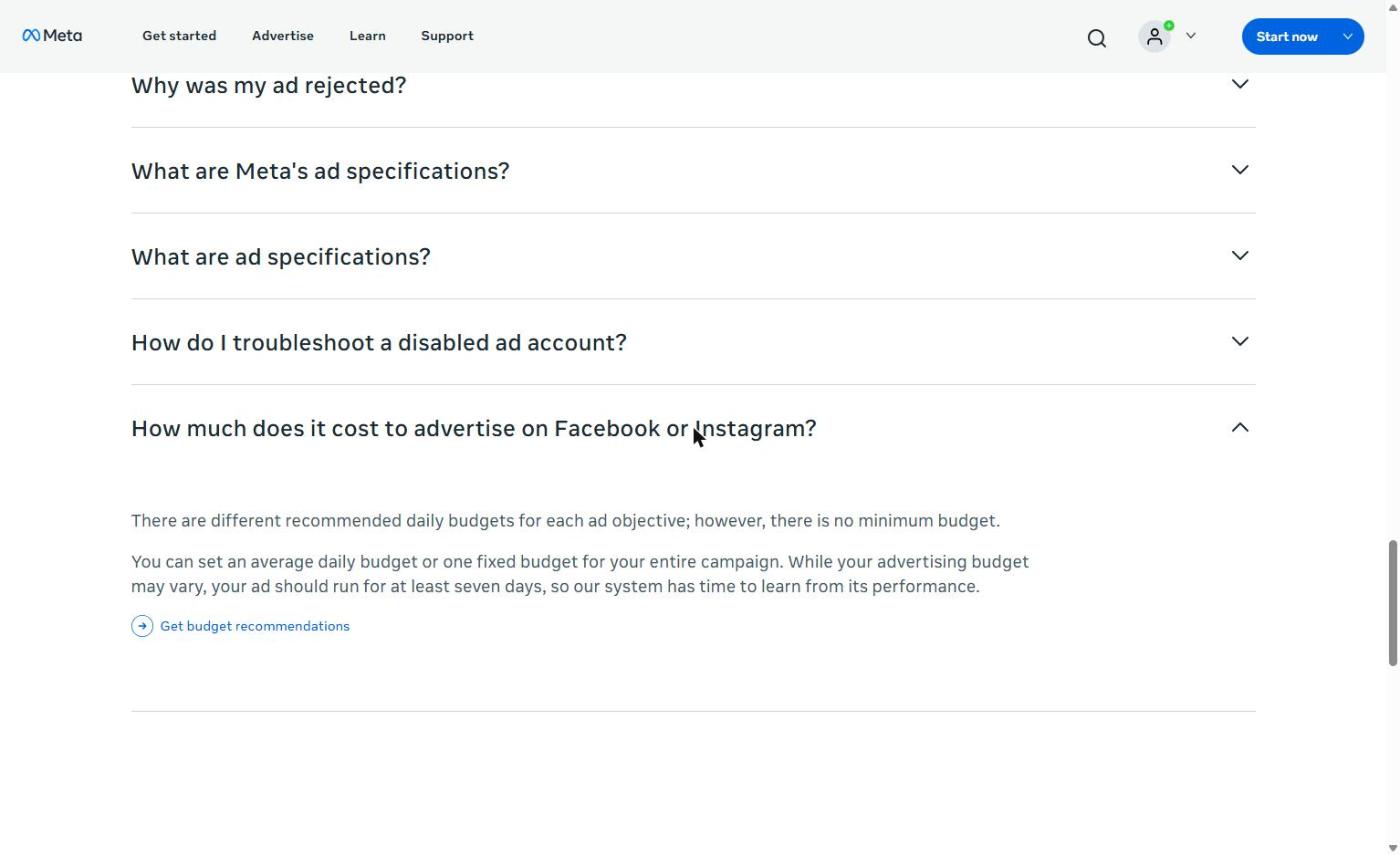
A daily budget is the average you are willing to spend per day. A lifetime budget is the total for the whole run, and it suits a test with a fixed end date. Meta's ads page, cited earlier, says you can set either an average daily budget or one fixed budget for the campaign.
- Daily budget: Spend is steady and easy to watch, but you must remember to stop it.
- Lifetime budget: Spend stops on its own, but daily spend can swing.
- Switching: On TikTok you cannot change the type once live, and its page suggests starting with a daily budget.
For a first campaign on Meta, a lifetime budget with an end date keeps the cap firm.
Measuring results
Measurement starts before launch, when you install conversion tracking that records what people do after they click.
Set up tracking before you launch
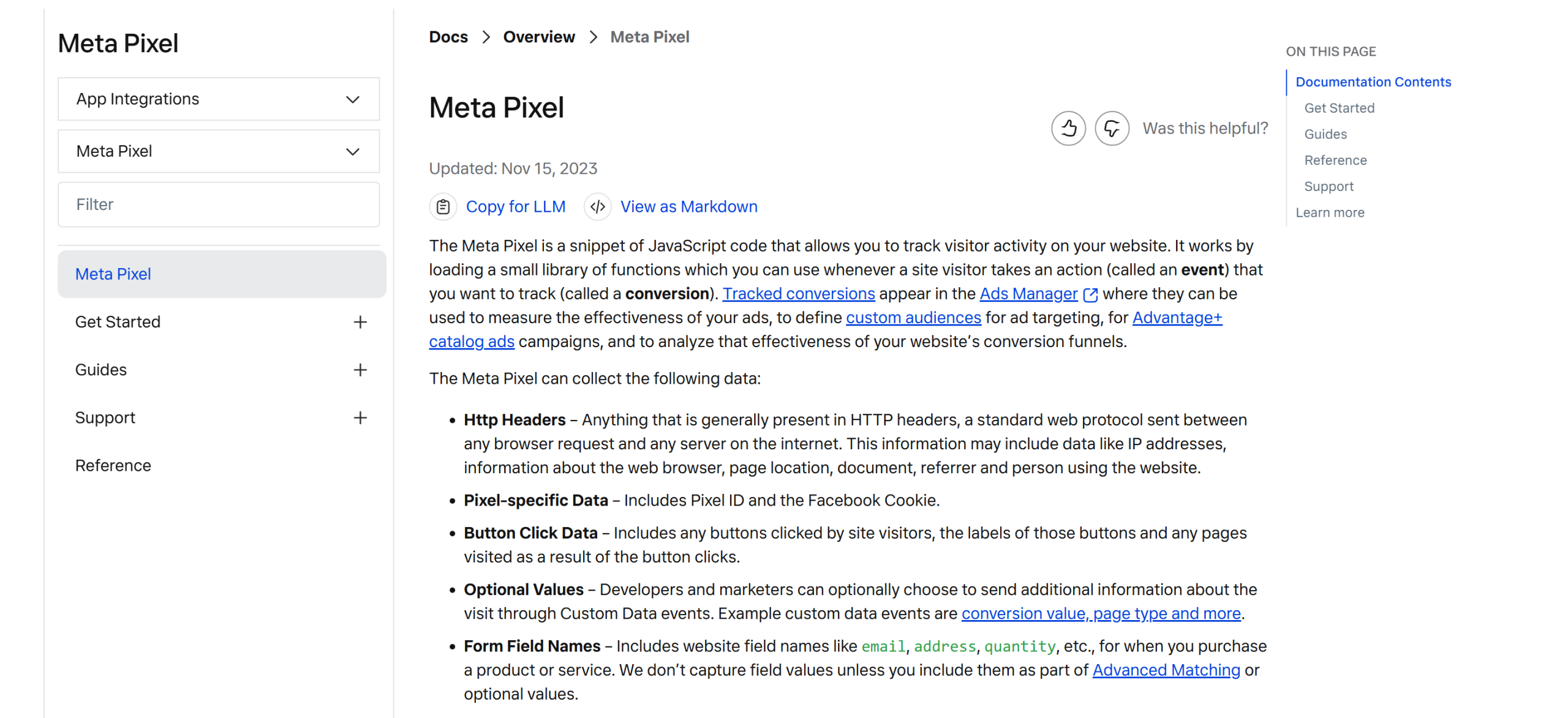
Each platform has its own tracking tag. The Meta Pixel is JavaScript code on your website that records visitor actions you mark as conversions. LinkedIn offers the Insight Tag, while TikTok has the TikTok Pixel.
Meta also offers the Conversions API, which sends events from your server instead of the browser. Use each platform's help pages for detailed installation instructions.
Add UTM tags to every ad link, so your website analytics can tell paid social from other traffic. A tagged link for the studio might end with ?utm_source=facebook&utm_medium=paid_social&utm_campaign=trial_class. Keep names lower case and consistent.
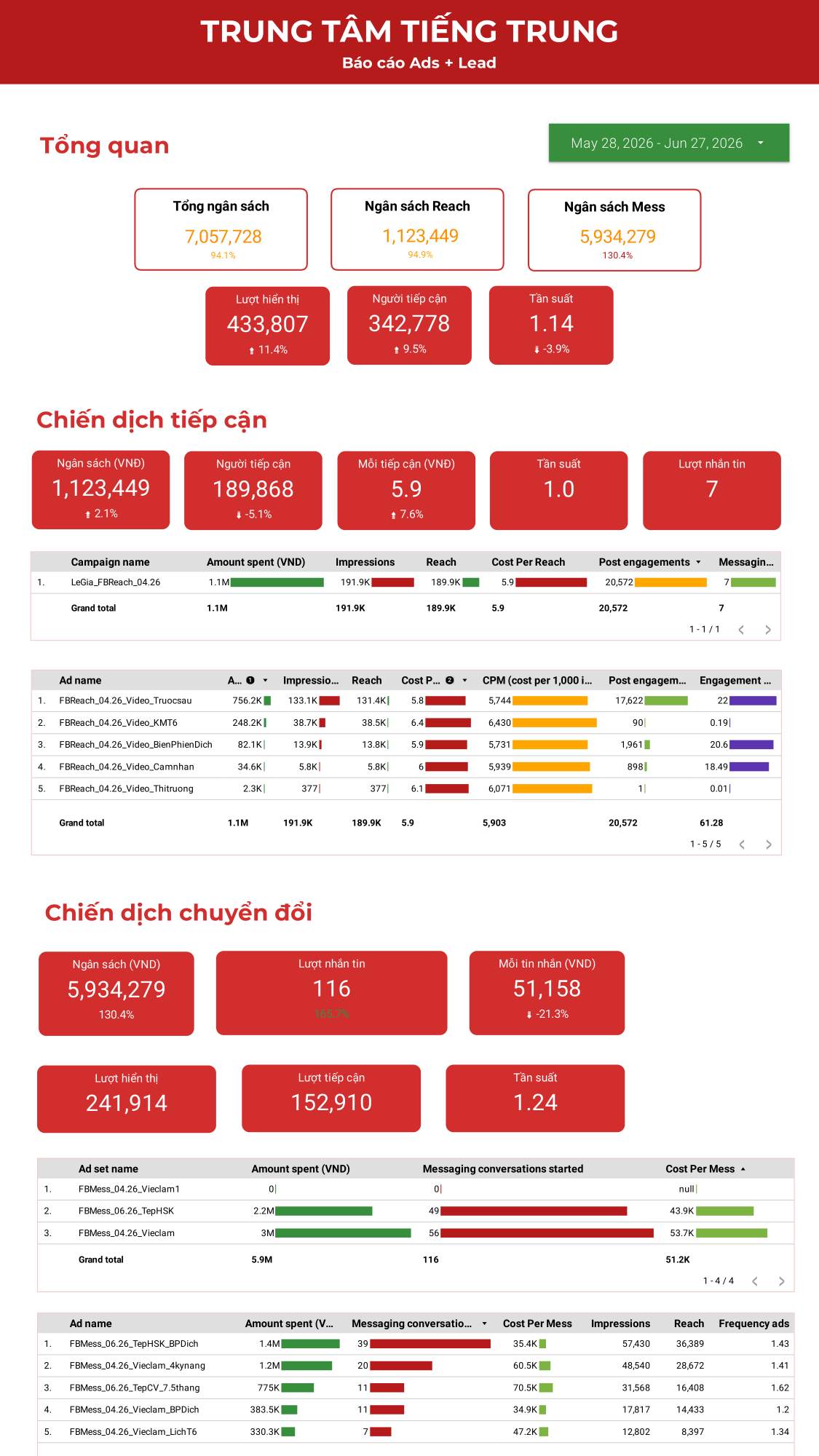
A monthly report gives the team the same figures to work from. This report from a Chinese language centre in our education work separates reach campaigns from messaging campaigns. It shows spend, reach, frequency and cost per message side by side.
Metrics that matter
Read the numbers in a chain, from attention to action to money.
| Metric | What it tells you | When to worry |
|---|---|---|
| CPM | What you pay for each thousand impressions | It climbs while your audience stays the same, which can mean heavy competition or weak ads |
| Click-through rate | The share of impressions that earn a click | It is low, so the creative or offer is not earning attention |
| CPC | What you pay for each click | It is high while click-through rate is low, so fix the ad first |
| Conversion rate | The share of visitors who act on the page | Clicks are healthy but few act, so the page or form is the problem |
| Cost per result | What you pay for each lead, booking or sale | It sits above your break-even figure after a fair run |
| Frequency | How often the average person saw your ad | It rises while results fall, which suggests the audience is tired |
| Return on ad spend | Revenue divided by ad spend | It is below what you need after costs, once sales are tracked |
Before you start, decide whether the ad platform or your own records will provide the official result. Platforms count conversions differently, so choose one source for reporting.
Weak results often come from the destination page, so send clicks to a page built for one action. Our guide on how to create a landing page explains how to build one. If your site is slow or unclear, our website design and development service can improve the page your ads lead to.
How to run your first campaign
Keep your first campaign to five stages, following the hypothetical small business example to review results before spending more.
This hypothetical example follows a regional pilates studio seeking more trial-class bookings and makes no claim about results.
Stage 1: Pick one goal and one platform
Set the result you want, such as trial bookings, before making other campaign decisions. The goal should follow your wider marketing strategy and match the buyer's stage in the purchase journey. Our full-funnel marketing guide explains those stages.
- Write the goal: "Fourteen trial-class bookings in 14 days."
- Pick the platform: Meta, because the customers are local consumers.
- Choose the objective: Leads, because a booking is the result that counts.
- Set the KPI: Cost per trial booking, with a limit of A$60.
Stage 2: Check tracking before you spend
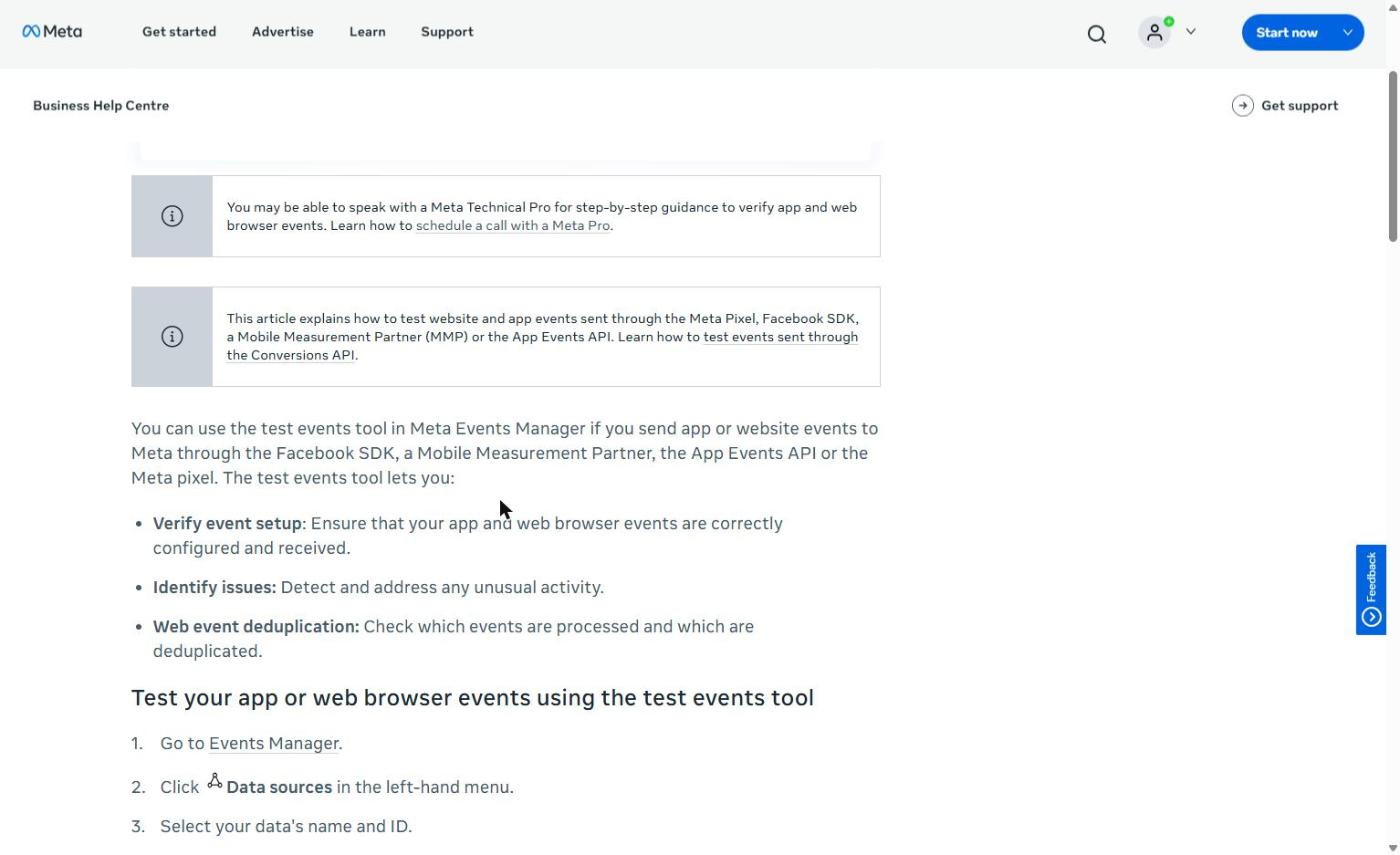
Install the tag, trigger a test conversion and confirm it appears in the platform. Then confirm the same booking appears in your own records. Do not launch until both match.
- Open the test tool: In Meta Events Manager, go to Data sources, choose your data source, then select Test events.
- Run a test booking: Enter your website address, open the site from the tool and make a booking as a customer would.
- Watch for the event: Meta's test events help page says website events are recorded only while the test page stays open.
- Match your records: Check the same booking in your booking system or inbox.
- Check your UTM tags: Confirm the visit appears with the right source in your analytics.
Stage 3: Build the audience and the creative
Build the audiences from the earlier example, then prepare the images or video for your ads. Our UI/UX and brand design service can produce these if you need help.
- Create the ad sets: Set up the three audiences from the pilates example as separate ad sets with the same budget.
- Choose the placements: Meta recommends automatic placements on its ads page.
- Pick the format: Use vertical video or images, as Meta advises.
- Make two or three versions: Change one thing between versions, such as the opening line or the first image.
- Write the copy: One benefit, one proof point you can back up and one call to action, such as "Book a trial class".
Meta's A/B testing page explains how to compare versions fairly, with the same budget on each.
Stage 4: Set a capped test budget and an end date
Use the formulas from the cost section. The studio's calculation gave A$700, which is A$50 a day for 14 days.
- Choose the budget type: Lifetime, so spend stops by itself.
- Enter the amount: A$700, matching the earlier calculation.
- Set the dates: Start on a Monday and end 14 days later.
- Check the platform floor: Meta has no minimum, but LinkedIn and TikTok do.
- Leave the settings alone: Each edit can restart learning.
Stage 5: Review, then stop, fix or scale
Read the results on day 7 for early warnings and at the end date for the final decision. Compare cost per result with the break-even figure, and use your own records as the source of truth.
| Condition | Action |
|---|---|
| Cost per lead at or below the A$50 target | Keep it running. Raise the budget in small steps |
| Cost per lead between A$50 and A$60 | Fix one thing, such as the creative or the page, and test again |
| Cost per lead above A$60 after a fair run | Pause that ad set. Test a different audience or offer |
| Clicks are healthy but few people book | Fix the landing page or the form |
| The ad set delivers very few impressions | The audience is too small. Widen the radius or merge ad sets |
| The platform shows leads but your records do not | Stop and fix tracking before you judge anything |
TikTok recommends budget increases of no more than 40% during learning and 30% afterwards, with at least two days between changes. These small increases protect what the campaign has learned.
If you lack time to manage campaigns, one team can set up, test and report on them.
Mistakes that waste ad spend
Most wasted ad spend comes from recurring mistakes that have straightforward fixes.
- Boosting without a goal: Spend rises but nobody can say what it bought. Pick one result before you pay, such as bookings or enquiries.
- No tracking: You see clicks but not bookings, so you cannot tell good ads from bad. Install and test the tag first.
- Audience too broad or too narrow: Broad audiences waste money on people unlikely to buy, and tiny ones stall delivery. Test two or three audiences in separate ad sets and keep the one that costs least per result.
- Changing things too often: Edits restart learning and blur which change helped. Wait for the review date and change one thing at a time.
- Only one creative: One ad tells you nothing about what works. Run two or three versions of one message.
- Sending ads to the home page: Visitors have to hunt for the offer, so some leave. Send clicks to a page built for the one action the ad promised.
An outside review can identify wasted spend if you are unsure whether your current ads are worthwhile.
Frequently asked questions
What is paid social?
Paid social is another name for social media advertising, which means paying a platform to show content to a chosen audience. Organic posts, by comparison, reach followers for free. Some people also use the term for paid creator content.
Can we target a specific age group, such as college students?
Yes, you can set an age range, location and interests at ad set level, then test two audiences separately. Follow the steps above for targeting a specific age group.
Can we run Facebook ads ourselves?
Yes, you can set up ads yourself in Meta's ads tool. Follow the five stages above: one goal, tested tracking, a small audience, a capped budget and a review date. Hire help when the time required, tracking set-up or creative production becomes difficult.
How long should a test campaign run?
Run it for at least a week, and longer if it produces very few results. A test needs enough time for the platform to learn and enough results for you to compare. Set the end date before you launch, and do not change settings daily.